Pages
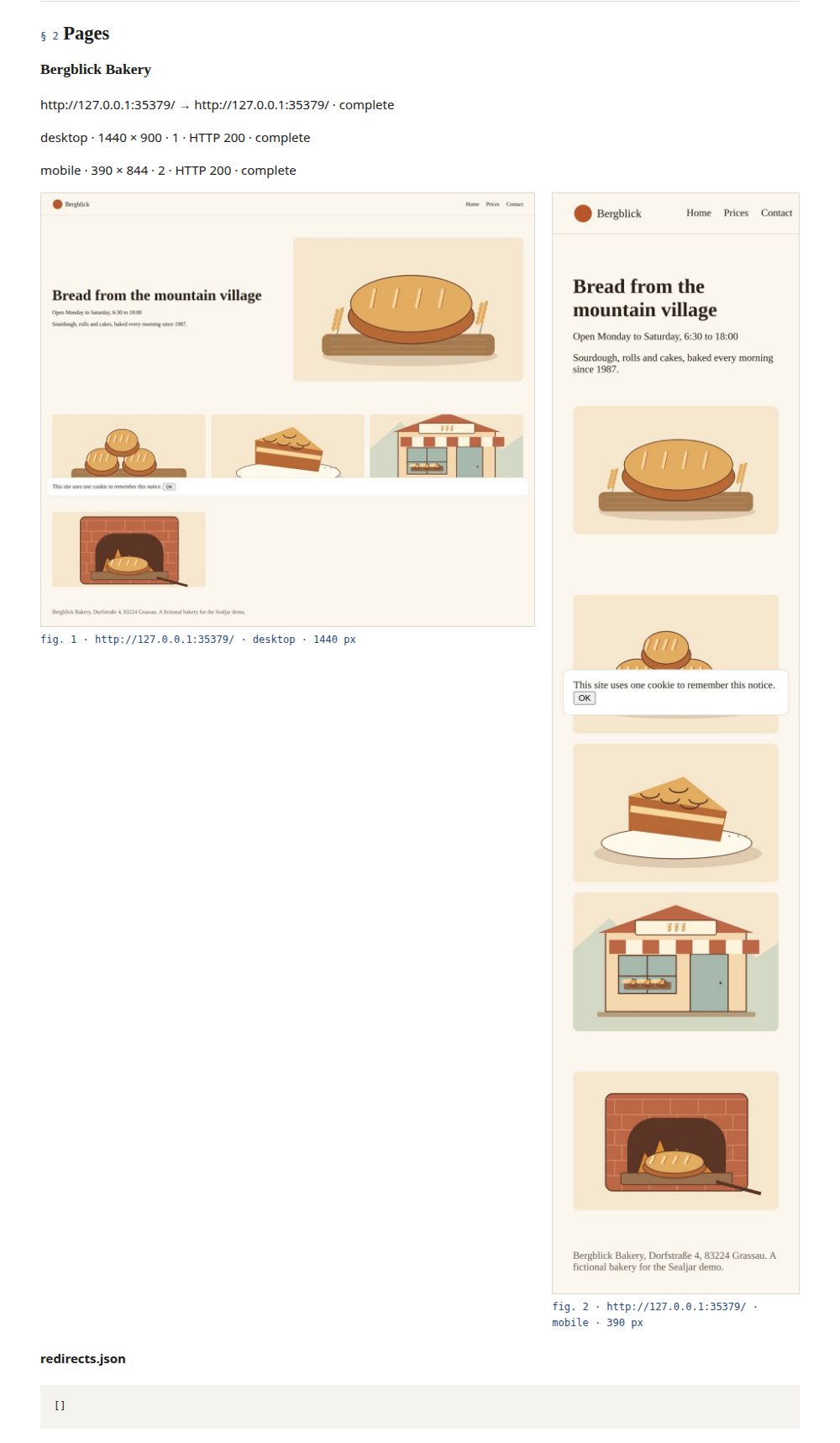
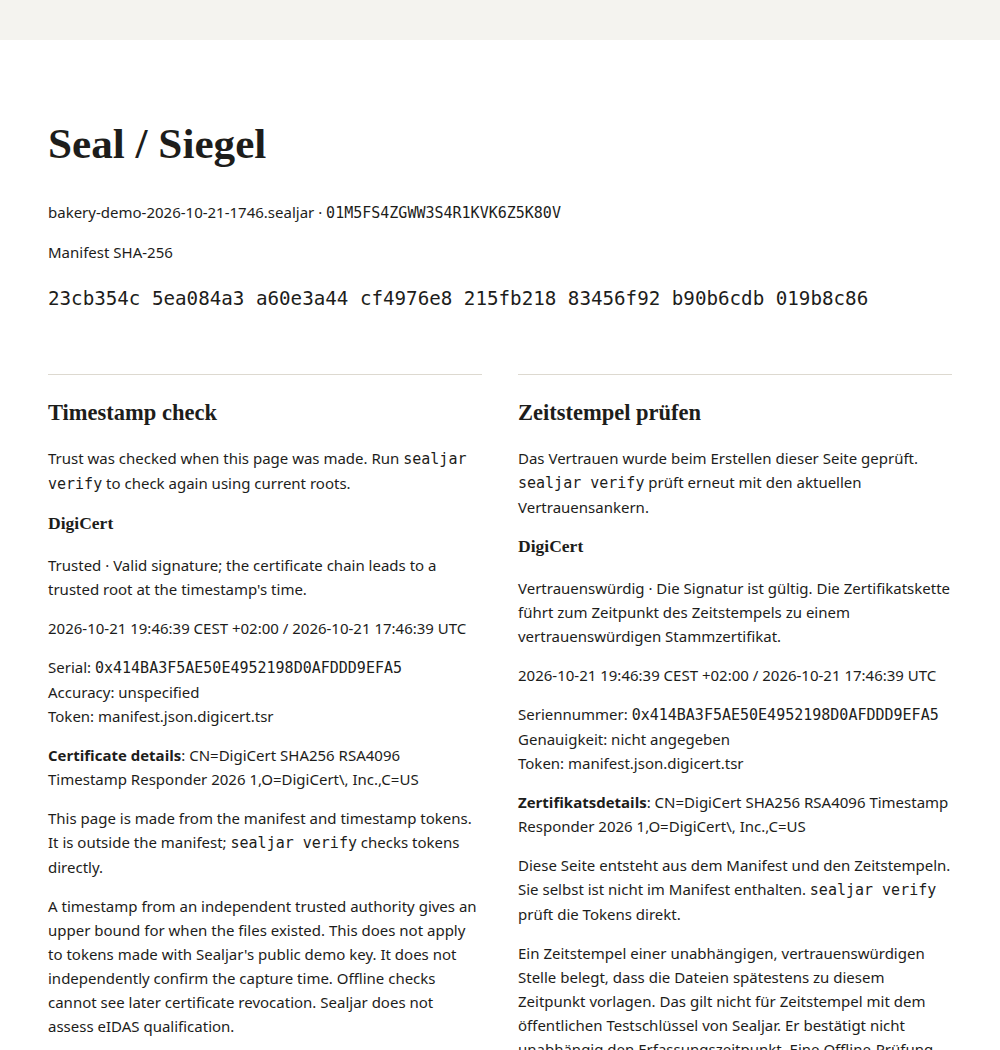
Each listed URL gets desktop and mobile screenshots. It also gets a page PDF and rendered HTML. Network requests and headers show how it loaded. Console messages and redirects are recorded too.
Page captureSealjar is a command-line tool that runs on your own computer. It saves web pages and current code in one ZIP file, sealed with hashes and a timestamp.
Copy this prompt and replace the URL with your own.
Use Sealjar to capture this repository and https://staging.example.com
for handover. Use https://github.com/vincentsch/sealjar: read its AGENTS.md
and follow the steps. Verify the package and show me the report and any
capture problems. Write the output to the parent directory of this repository.curl -fsSL https://raw.githubusercontent.com/vincentsch/sealjar/main/install.sh -o /tmp/sealjar-install.sh
bash /tmp/sealjar-install.sh
rm /tmp/sealjar-install.sh
Use the absolute path printed after
Installed:
if it is not on PATH. The examples call that executable sealjar.
Then try the bakery demo. It needs Chrome or Chromium and Git.
sealjar demo --out ../bakery-demoReports
The HTML report opens without Sealjar. Keep the reader folder together so its images load, or share the PDF on its own.
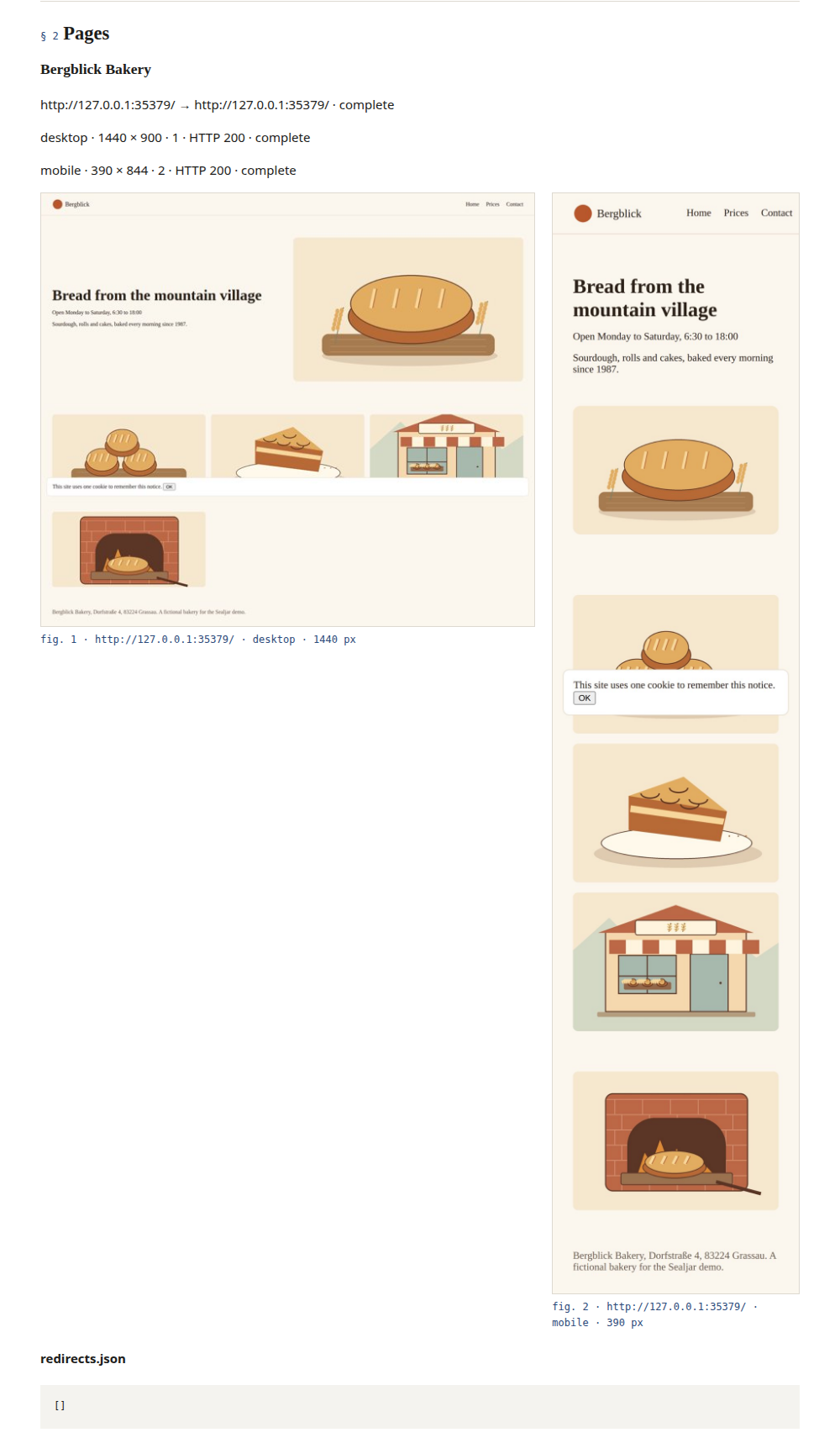

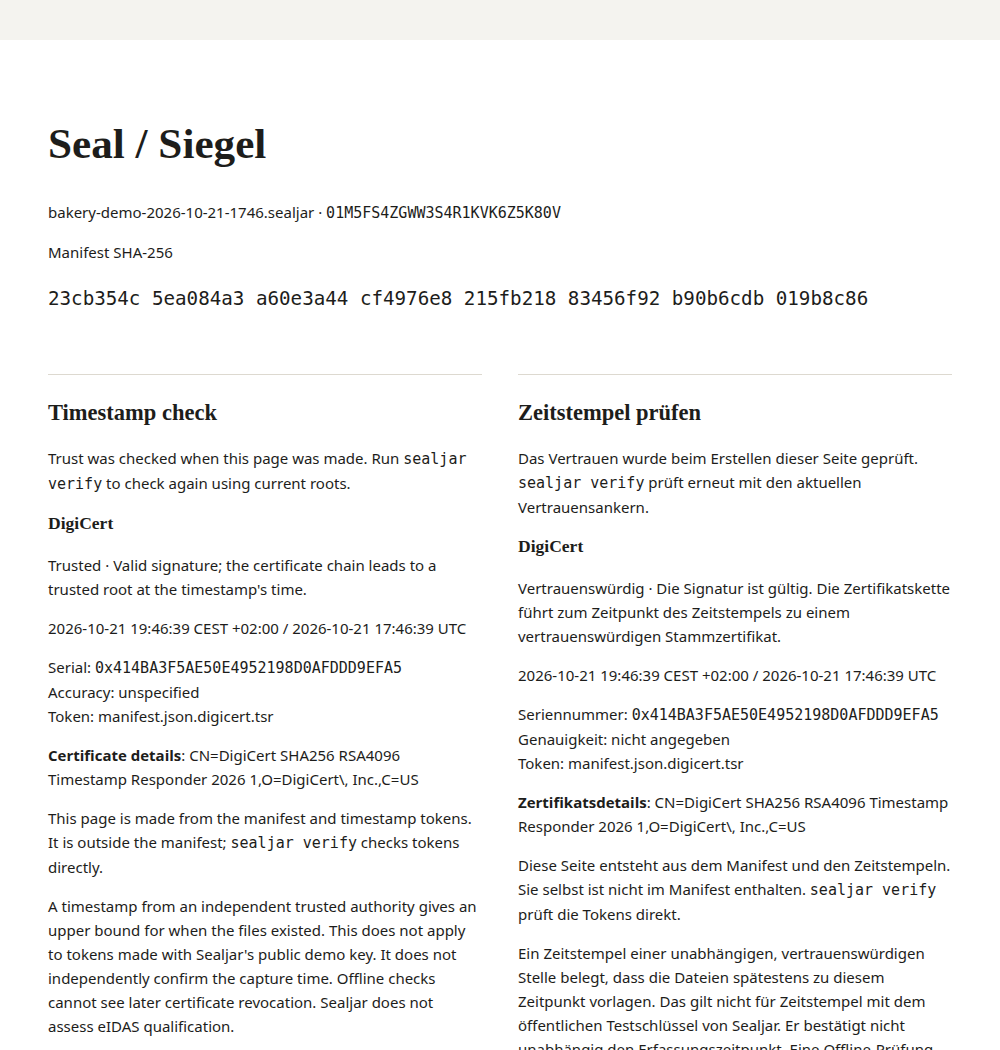
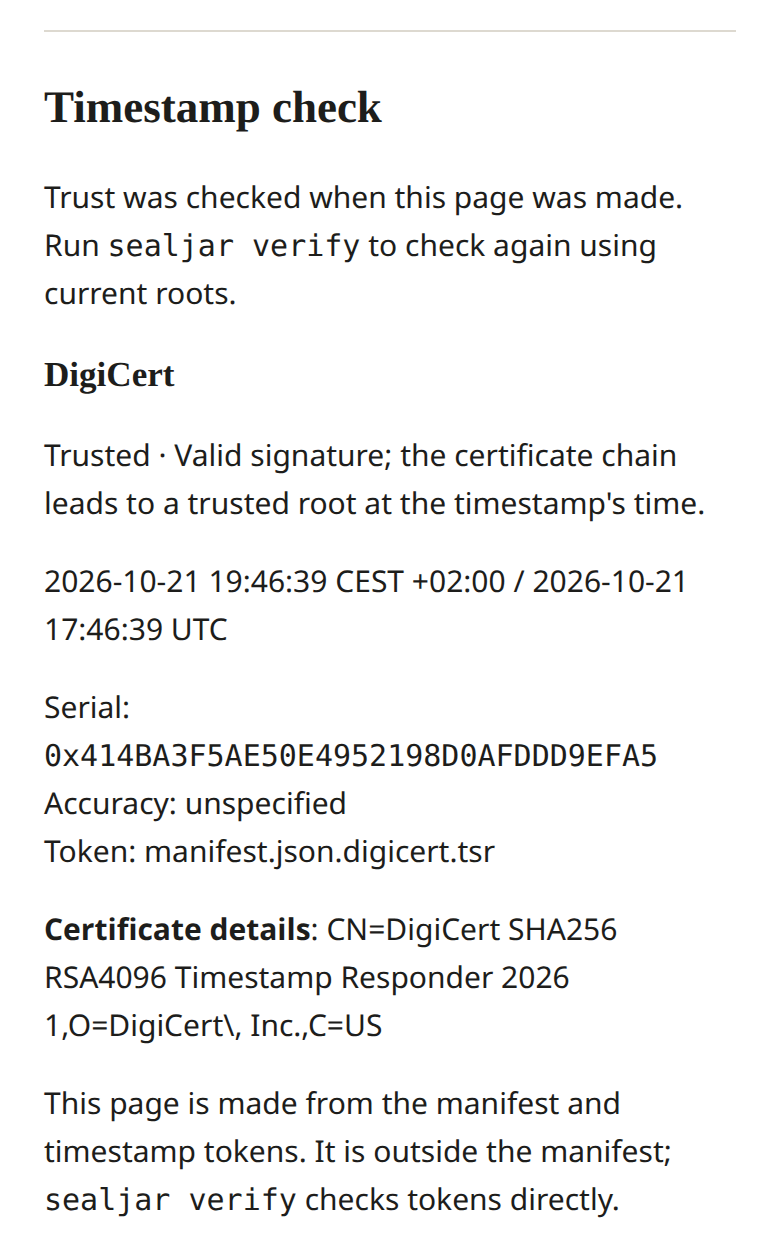
SEAL.html is a reading aid outside the manifest’s file
list. It is not independently authenticated evidence. Verification
checks the token directly, and report extraction regenerates the seal
from checked data.
Keep a record of the staging site and code when handing over a project. There is also a German guide to Abnahme .
Save a page showing a price or its mobile layout for later.
Recipients read the report and check the package. The recipient guide covers independent checks with Python 3 and OpenSSL.
The package
A manifest lists every file with its SHA-256 hash. Capture also writes a reader folder with the reports beside the ZIP.
Each listed URL gets desktop and mobile screenshots. It also gets a page PDF and rendered HTML. Network requests and headers show how it loaded. Console messages and redirects are recorded too.
Page captureSealjar saves DNS records and connection details for each host. HTTPS captures also include certificate details.
Manifest fieldsTracked files include uncommitted changes. The commit and working-tree state are recorded too. Optional history is saved as a Git bundle. Exclusions cannot remove all private content.
Repository selectionThe HTML reports come in English and German. PDFs are included when generated during capture. A seal page and checking instructions sit beside them.
See a reportTimestamps
The authority signs the manifest’s hash with its time and returns an
RFC 3161 token. Sealjar saves it beside the manifest, as in
manifest.json.digicert.tsr.
DigiCert is the default authority and FreeTSA the fallback; you can
configure others. If none answers, the package is marked “not
timestamped” and sealjar stamp can add a token later.
A trusted timestamp shows that the sealed files existed by the time it records. It does not independently check when capture happened. Sealjar does not assess eIDAS qualification.
Timestamps and trustThe captured pages and code, with reports.
manifest.json lists every file with its hash.
Signs the manifest’s hash with its time.
Saved beside the manifest and checked offline.
Verification
sealjar verify checks the files and timestamp. It also
reports whether the capture finished and which problems were recorded.
File check All 30 listed files match the manifest.
Exit 0 · Files match and timestamp is trusted
sealjar verify bakery-demo-2026-10-21-1746.sealjar.zip
Capture
  Complete. Repository bakery at 19c1a882e9c9a7d56a2d502ecf2fa5a3bd80453c with 2 uncommitted changes. Page http://127.0.0.1:35379/: complete.  Page http://127.0.0.1:35379/prices/: complete.

Files
  Unchanged. All 30 files listed in the manifest match their recorded hashes.

Timestamp
  Trusted. At least one timestamp has a valid signature and trusted certificate chain.
  DigiCert at 2026-10-21 17:46:39 UTC: Valid signature; the certificate chain leads to a trusted root at the timestamp's time.
  A timestamp from an independent trusted authority gives an upper bound for when the files existed. This does not apply to tokens made with Sealjar's public demo key.
  Offline checks cannot see later certificate revocation.
  Sealjar does not assess eIDAS qualification.
Changed file
web/001-127-0-0-1/desktop.png
Exit 10 · Files differ from the manifest
sealjar verify demo-tampered.sealjar.zip
Capture
  Complete. Repository bakery at 19c1a882e9c9a7d56a2d502ecf2fa5a3bd80453c with 2 uncommitted changes. Page http://127.0.0.1:35379/: complete.  Page http://127.0.0.1:35379/prices/: complete.

Files
  Changed. Package files differ from the manifest.
  changed: web/001-127-0-0-1/desktop.png

Timestamp
  Trusted. At least one timestamp has a valid signature and trusted certificate chain.
  DigiCert at 2026-10-21 17:46:39 UTC: Valid signature; the certificate chain leads to a trusted root at the timestamp's time.
  A timestamp from an independent trusted authority gives an upper bound for when the files existed. This does not apply to tokens made with Sealjar's public demo key.
  Offline checks cannot see later certificate revocation.
  Sealjar does not assess eIDAS qualification.
Capture completeness is separate from Files and Timestamp. Exit 0 can still come with capture problems, such as a page that failed to load.
If public timestamp services are unavailable, the demo uses a local token labelled “Demo timestamp, not trusted”. Verification then exits 11. Its public signing key gives no independent time evidence.
Limits
Questions
Courts weigh evidence freely. Sealjar documents captured material and makes later changes detectable. It promises no legal effect or admissibility.
The executable runs on Linux, macOS and Windows. Web capture needs Chrome or Chromium; code capture needs Git. You can verify a package or extract stored reports without either. You can also restore snapshot files without them.
No. You list each URL to capture. The saved HTML is not a replayable web archive.
HTTP basic authentication is supported. For a form login, use --login and sign in yourself in the isolated browser window. Capture reuses that session.
Capture loads the target pages and their resources. It also contacts DNS servers and timestamp authorities. An authority receives a hash and normal network metadata. There are no Sealjar accounts or automatic package uploads. Private content may remain in screenshots and HTML, or in source files and Git history. Inspect the package before sharing it.
Sealjar is free and open source under the MIT license.
The bakery demo runs a sample website and repository on your computer and writes a package you can verify.
sealjar demo --out ../bakery-demo